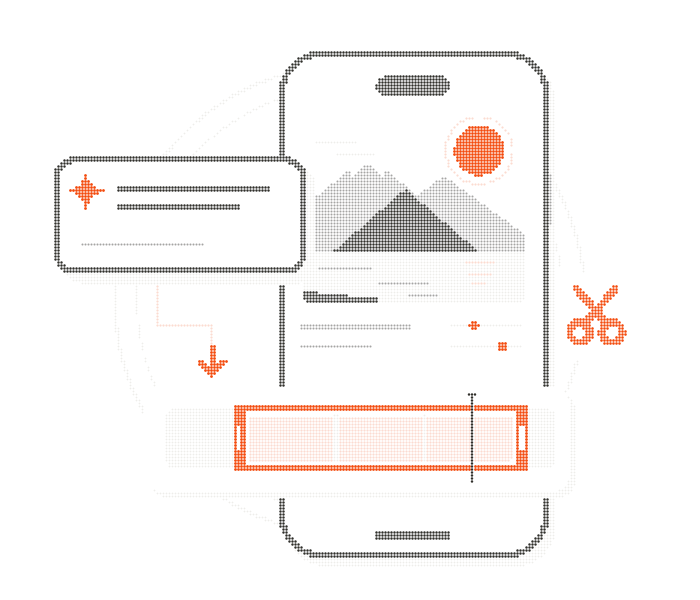
“Trim the opening and lower the music.”
Your app’s trim and volume tools prepare an edit for review before export.
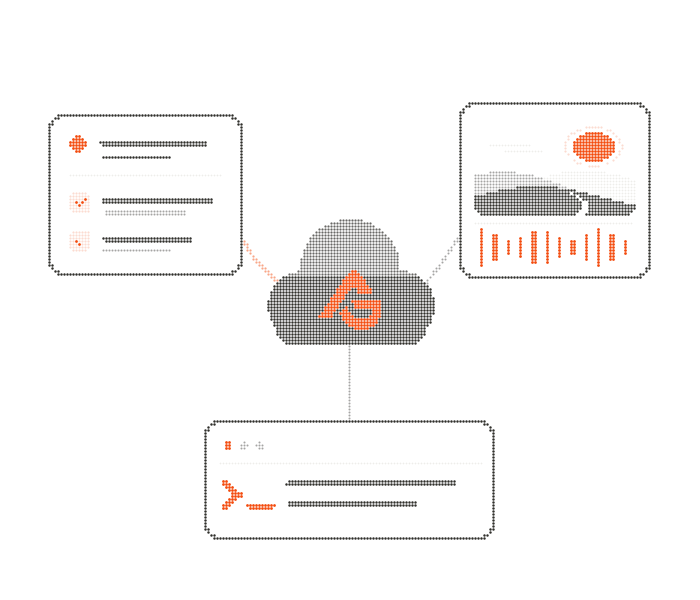
Connect AI to your app’s capabilities. AGKit Cloud powers the models, configuration, and spending controls behind your app.
AGKit is a Canadian company, with servers in Canada and the European Union.




 Apple
AppleYour choice of models, managed through AGKit Cloud. Configure providers, model routes, and media capabilities from the dashboard. Your app executes its own actions when Cloud calls its tools. Change the model without a new app release.
See what you can change →Your app
let documentEditorProfile = CloudProfile(
    agentId: "document-editor",
    tier: "balanced",
    maxOutputTokens: 1024,
    signer: BackendRouterCloudAuth(
        publishableKey: "ak_pk_live_example",
        userToken: "your-user-jwt"
    )
)Example bindings: Claude Opus 5.5, GPT-6 Sol, or Grok 4.7, configured in Cloud for the same balanced tier.
Connect your existing sign-in. AGKit Cloud verifies each user’s token, records their AI usage, and enforces per-user limits on turns, tokens, and spending.
Building a subscription app? Connect RevenueCat to require an active entitlement before a Cloud request runs.
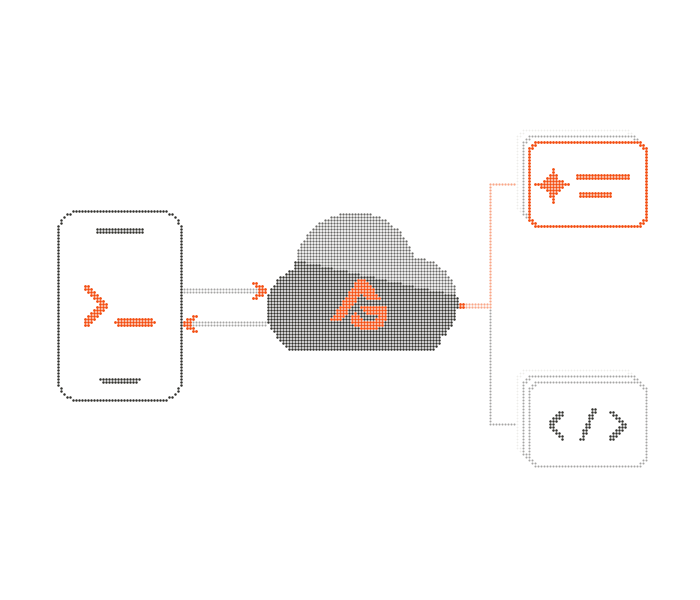
Explore identity and usage controls →Expose your app’s existing functions as tools the AI can call. AGKit routes calls to your app’s code and returns the results to the model, so one request can become a sequence of actions.
“Trim the opening and lower the music.”
Your app’s trim and volume tools prepare an edit for review before export.
“Turn this recording into notes and tasks.”
Review the meeting notes and save the suggested tasks to your workspace.
“Apply these changes to the document.”
Your document tools find the right section and prepare a revision for review.
You define the tools and decide what they can do. See how to connect a tool →
Connect your app’s tools to AI, then add image, voice, and video capabilities through Cloud’s configured routes.
Connect creative, document, or productivity tools to a runtime that calls your application code.
Tools and permissions →Generate an image, give a story a consistent narrator, or create a video through Cloud’s media routes.
Explore media →Build review into actions that need it. AGKit provides supported guard and confirmation hooks; your app validates current state, applies changes, and implements undo for reversible operations.
Explore permissions and recovery →AGKit MCP
Connect AGKit MCP to the assistant you use to code. While it helps build your app, it can create a Cloud project, configure agents and tools, set model and media routes, and manage usage limits. Review the proposed changes before they go live.
Raise the per-user monthly token limit in this project to 10 million. Proposed change: Monthly tokens per user, from 5 million to 10 million. Applies to all users in this project. After review and a separate apply: Done — the per-user monthly token limit is now 10 million. Change recorded in the audit log. Illustrative example only.
Limit access to the projects and operations your assistant needs.
See the proposed changes before a plan is applied.
Applied plans record who made the change and what changed.
Build for mobile, the browser, or your backend. Connect your app’s capabilities, then manage models, configuration, and spending through AGKit’s shared Cloud backbone.
Apple apps
Give AI access to your app’s tools and state, with an integration that fits your Swift code.
Native Android
Connect AI to native app capabilities while keeping the experience in your app’s hands.
Cross-platform mobile
Add AI-powered actions to your iOS and Android apps with React Native.
Web apps
Connect AI to your web app’s tools and state, with models and configuration managed in AGKit Cloud.
Choose your platform, connect a tool your app already has, and give your users a new way to use it.
Private SDK access · setup starts with your platform and application.
Start with a free Cloud plan. Model usage is billed directly by your provider, with no AGKit markup.